
FAQs - Café tekom
BigBlueButton will be used.
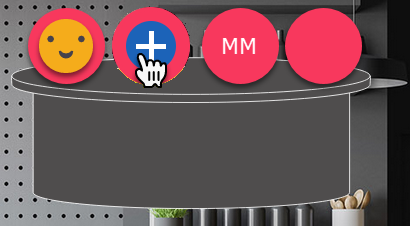
Go to Café tekom. If you see a table with free seats, place the cursor on the unoccupied circle and click the plus icon.
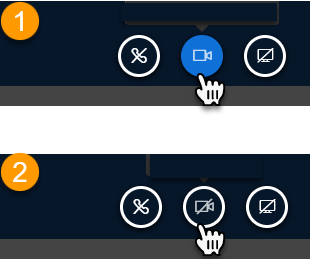
Disconnect the webcam and then reconnect it. You can then select an alternative webcam from the drop-down list.
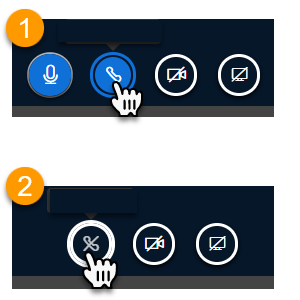
Click on the telephone receiver icon. The audio connection is terminated. Click the icon again to restart the audio connection. Click No on the echo test. You can then select another audio source.
Note: In Mozilla Firefox the selection of audio devices is not always displayed correctly.