
FAQs - NetworkingLounge
In the tekom NetworkingLounge you can make contacts with all conference attendees and exhibition visitors. You network in a similar way to a social networking site (for example, LinkedIn). You can also send messages to your contacts or exchange information via text chat.
The chat is intended for direct exchange with your contacts and works like a messenger app. It is always a 1:1 chat.
The news are similar to emails. For example, you use them to make contact.
In the contact list, you will see a green dot next to all persons who are logged into 'tekom live'.

Yes, the tekom NetworkingLounge is linked to 'tekom live' and the conference page.
The main navigation includes the items Contacts, News and Chat. You can see how many new contact requests, messages and chat entries you have.

After logging in, you will see your profile picture in the top right corner of the main navigation. Click on the image to open your profile. You can now edit your profile.
Important: You can set whether your profile is found in the search. If you deactivate the checkbox, other attendees cannot search for your name. Your contacts will still see your profile.

Yes, you can set your profile to be visible only to your contacts.
Edit your profile. Uncheck the "My profile is not visible in the search" checkbox.
Yes, the tekom NetworkingLounge is used for all conferences organized by tekom. Your contacts and messages will remain available. The tekom NetworkingLounge will also be integrated into 'my tekom'.
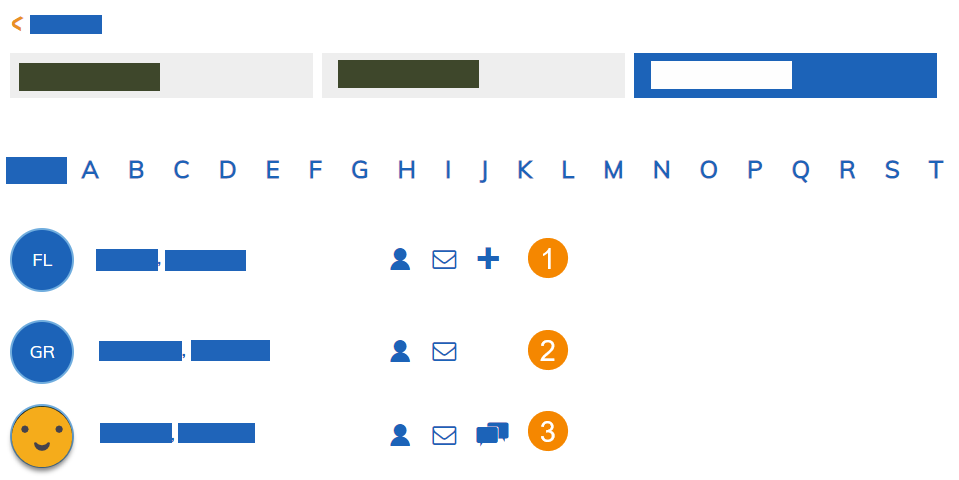
You can chat only with your contacts. You have sent a contact request to these people, but they have not confirmed the contact yet. This is an open contact request.
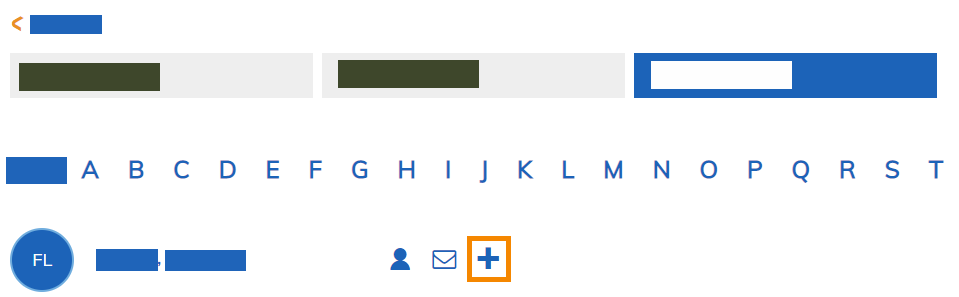
Display the list of attendees. Click on the plus symbol to the right of the attendee to be contacted. A message field appears. Complete this and send the request.
Only when the attendee confirms the contact request does he appear in your contact list.